JPG vs PNG: Which Image Format is Better for Your Website?

JPG vs PNG: Which Image Format is Better for Your Website?
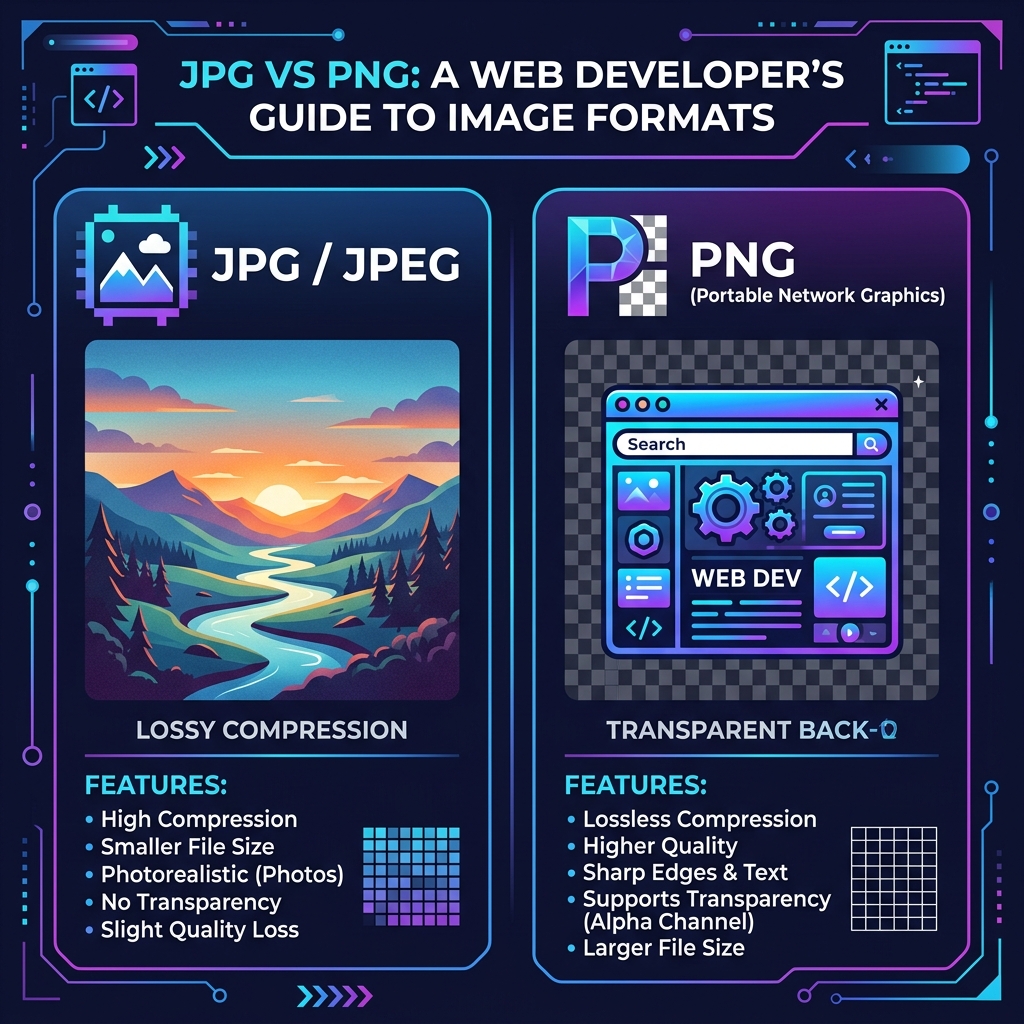
When building a website or creating digital content, one of the most common questions is: Should I use JPG or PNG?
Both formats have been around for decades and are universally supported, but they serve entirely different purposes. Choosing the wrong format can lead to pixelated images or painfully slow website loading times.
In this guide, we’ll break down exactly when to use each format and how to optimize them.
📸 What is a JPG (or JPEG)?
JPG (Joint Photographic Experts Group) is a "lossy" image format. This means that to make the file size smaller, the format permanently discards some visual data.
Pros of JPG:
- Tiny File Sizes: Excellent compression makes JPGs load incredibly fast.
- Perfect for Photos: Handles millions of colors beautifully, making it ideal for real-world photography.
- Universal Support: Works on every device, browser, and platform.
Cons of JPG:
- No Transparency: You cannot have a clear background; it will always default to white or another solid color.
- Generation Loss: Every time you save a JPG, it loses a little bit of quality.
- Bad for Text/Logos: Sharp edges (like text or logos) can look blurry or "artifacted" when compressed as a JPG.
🎨 What is a PNG?
PNG (Portable Network Graphics) is a "lossless" format. It retains every single pixel of data, resulting in perfect image quality no matter how many times you save it.
Pros of PNG:
- Crisp Quality: Perfect for sharp edges, text, line art, and illustrations.
- Transparency Support: PNGs can have transparent backgrounds, allowing you to layer them over other elements flawlessly.
- Lossless: You never lose quality by saving a PNG.
Cons of PNG:
- Massive File Sizes: A complex photo saved as a PNG can be 5x to 10x larger than a JPG, which destroys website loading speed.
- Not for Photography: While it can display photos, the massive file size makes it completely impractical for web galleries.
⚖️ The Verdict: When to Use Which?
Use JPG when...
- You are uploading a photograph of a person, place, or object.
- The image does not require a transparent background.
- You need the fastest possible page load time (e.g., hero images, blog thumbnails).
Use PNG when...
- You are uploading a logo, icon, or graph.
- The image contains text that needs to remain perfectly legible.
- You need the background to be transparent to show the website color behind it.
🚀 Pro Tip: Optimization is Key
Even if you choose the right format, a large image file will still slow down your website.
Always compress your images before uploading them. You can use the free SUDTCore Image Compressor to reduce your JPG and PNG file sizes by up to 80% entirely in your browser—without losing visible quality!
Ready to try it yourself?
Apply the concepts from this guide immediately using our free, client-side image tools.
Open Tool